Form actions
Send an email
Send an email.
All settings can contain special tokens that will be replaced by data from the form submission.
For instance, if the form contains a text input named email, you can set
the “To” parameter to {email} to send an email to the user that submitted
the form.
Additionally, if the submission is linked to a resource (eg. created from a resource page block), you can use the following tokens:
Token |
Replaced by |
|---|---|
|
Resource’s internal id |
|
Resource’s URL |
|
Resource’s title (which is the title according
to the resource template, not necessarily
|
|
Resource’s type (“item”, “item set”, or “media”) |
Settings

- To
The e-mail recipient
- Subject
The e-mail subject
- Body
The e-mail body
Create a user
Create a user from an email and a username.
The settings allow you to select the role of the created user and its groups.
Settings
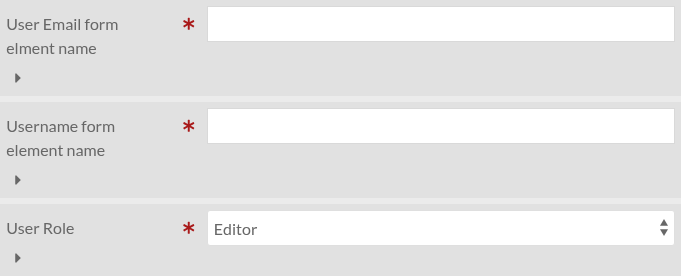
- Username
The HTML element name of the form component containing the username.
The HTML element name of the form component containing the username.
- Role
The role of the created user.
- Groups (only if the module Groups is installed)
The groups the user is in.